

Now live on WordPress.org
Dynamic QR codes sound technical until you have a flyer that still points to last year’s menu. Slide Arts Dynamic QR Link keeps the scan the same and lets the destination move with you.
By Gangesh and Slide Arts · Plugin: Slide Arts Dynamic QR Link
If you have ever printed a QR code on packaging, a poster, a business card, or a trade show badge, you already know the quiet panic that comes later. Campaigns end. Landing pages move. A product gets renamed. The print is still sitting out in the world, and that little square keeps sending people to the wrong place.
That is the problem this plugin solves. You create a stable scan URL once. People scan that. Behind the scenes, you decide where they should land today, next month, or during a weekend promotion. The printed code does not need to change.
Think of the QR as the doorbell. The house can get a new coat of paint. The doorbell stays put.
What dynamic actually means in practice
A static QR code is a locked address baked into the image. Change the destination and you need a new code, which usually means new print. A dynamic QR code points at a short path you control. In this plugin, that path lives on your WordPress site. You update the destination whenever you need to.
That sounds small until you look at the cost of reprints, stickers, menus, and packaging. One reusable code can outlive several campaigns.
Branding is the part people underestimate
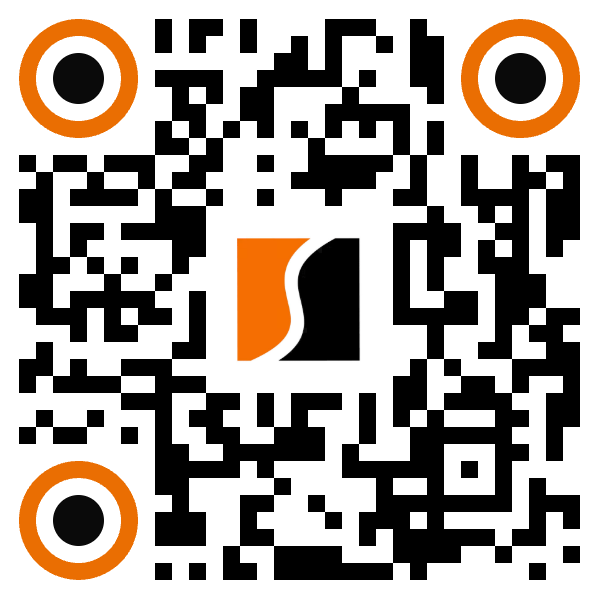
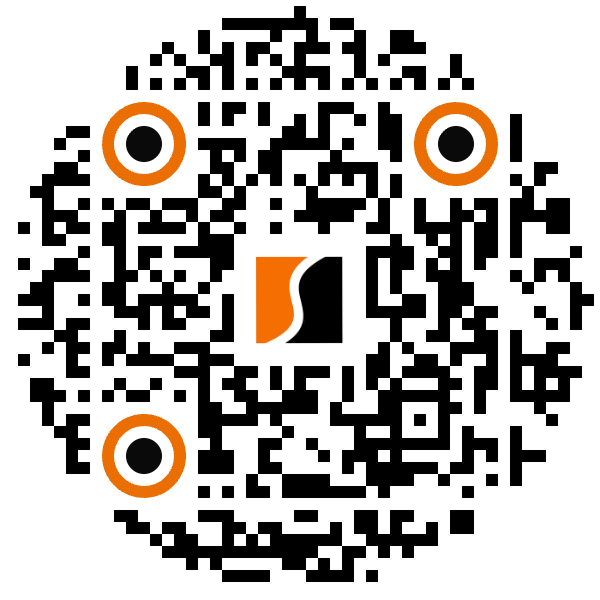
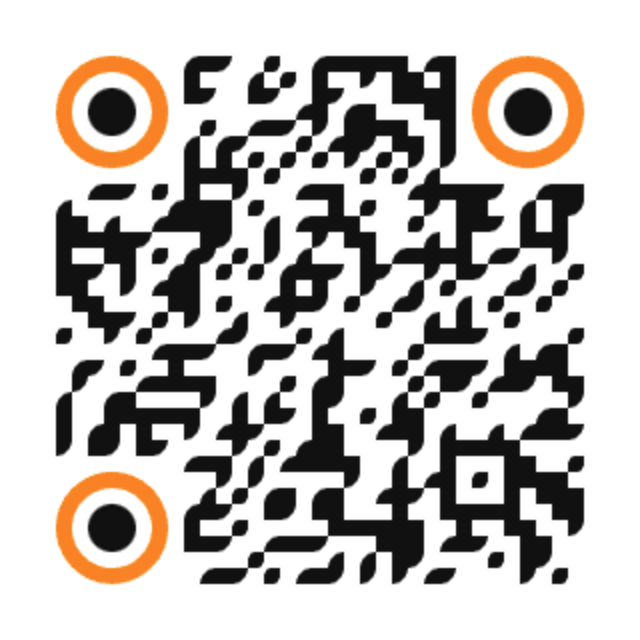
Most free QR generators spit out the same sharp black squares. They work. They also look like every other code on every other flyer. When a code sits on your packaging or your homepage, it should feel intentional. Colors, soft dots, circular frames, and a logo in the center all help it belong to you instead of looking like a utility stamp.
Slide Arts Dynamic QR Link is built around that idea. You can style the code to match your look, then keep the redirect flexible. The branding is not an afterthought. It is part of why someone trusts the scan in the first place.
A gallery of styles you can actually use
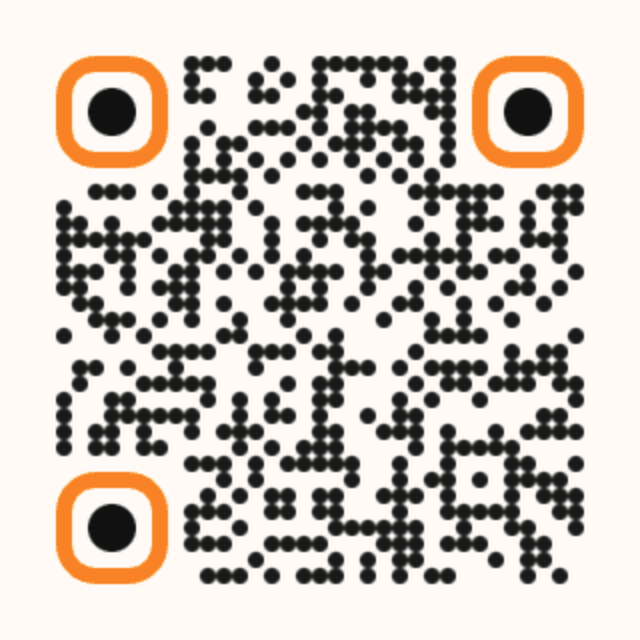
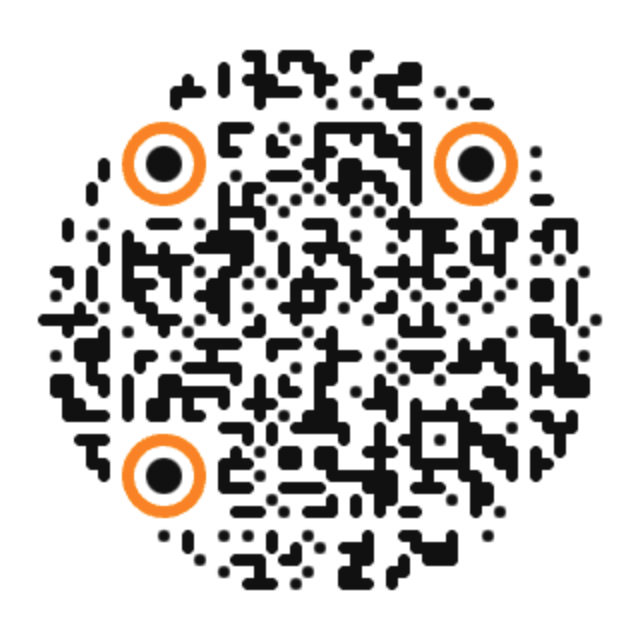
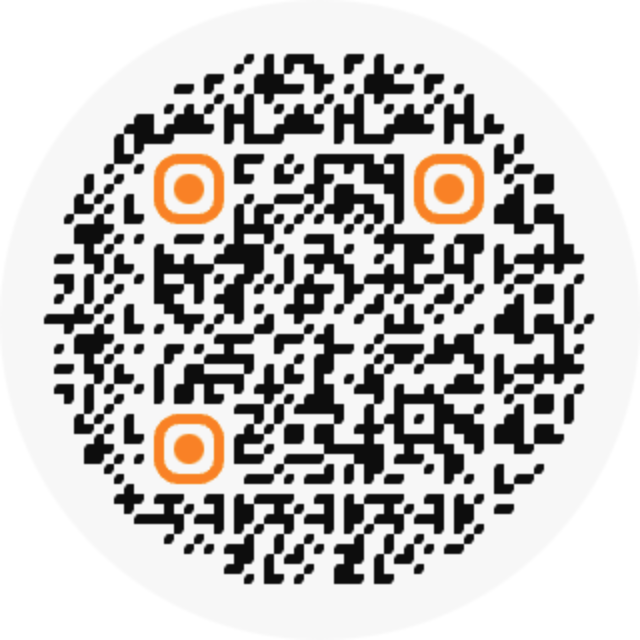
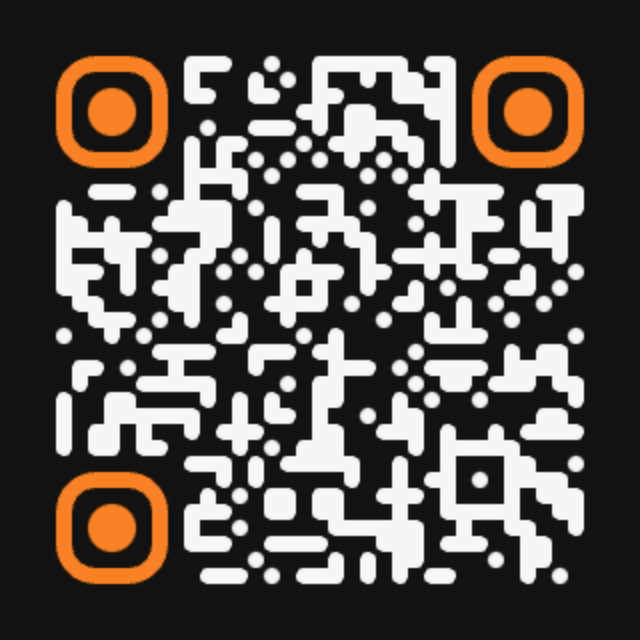
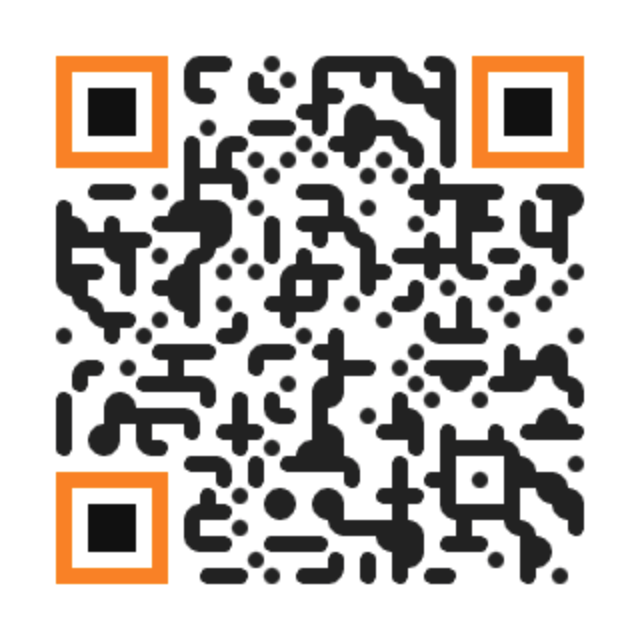
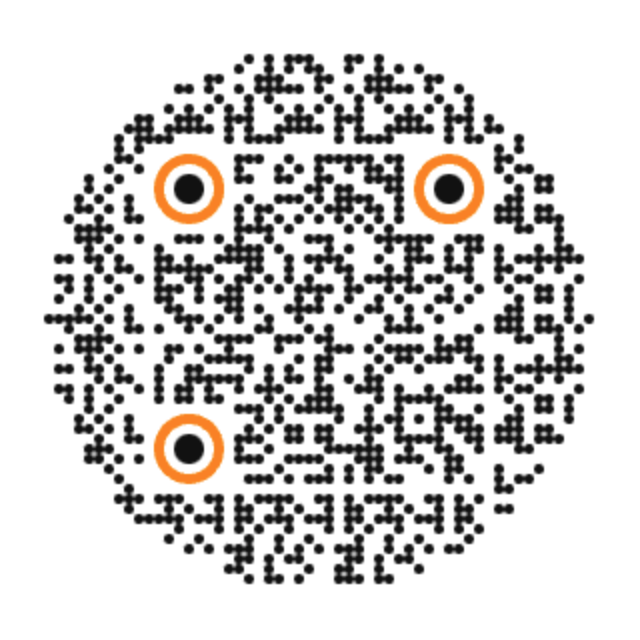
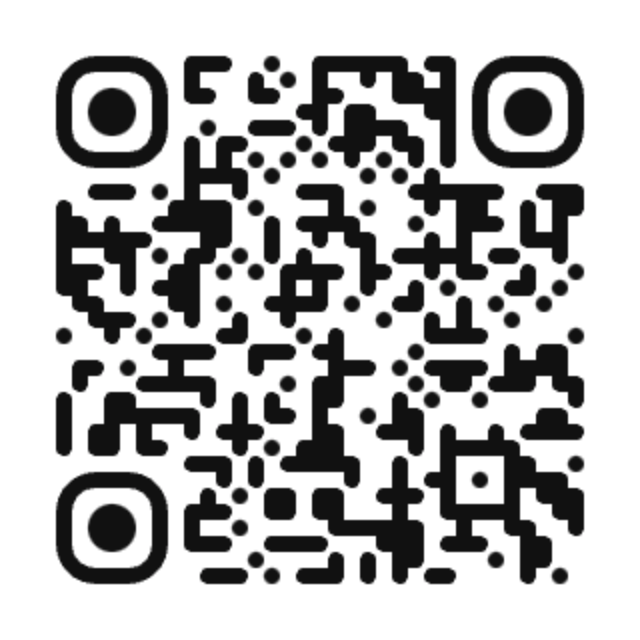
Below are premium looking designs generated with the same kind of styling approach the plugin supports. Square and circular. Soft dots and midnight contrast. Orange accents that echo the Slide Arts palette. These are examples of how a code can look when you treat it like a design asset, not a barcode afterthought.
Where this helps real businesses
You do not need an enterprise marketing stack to benefit. You need a place people scan, and a reason that place might change.
Restaurants and cafés
Menus that survive the season
Print one code on the table tent. Point it at today’s menu, a weekend brunch page, or a reservation form when you get busy.
Retail and packaging
Boxes that outlive the launch URL
Product inserts and stickers stay the same while you rotate how to guides, warranty pages, or seasonal offers.
Events and venues
Badges and posters that stay current
Send scanners to the live schedule in the morning, then to the replay or feedback form after the session ends.
Real estate
Yard signs without reprint panic
One code on the board. Swap between listing details, open house notes, and a sold thank you page.
Agencies and freelancers
Client print that you can still fix
When a client changes their mind after the brochure goes to press, you update the destination instead of eating a reprint.
Creators and educators
Handouts that keep teaching
Workshop sheets and slide decks can keep one code while the resource link moves to a new Notion page, Drive folder, or course.
How it feels to use day to day
You do not need a long technical checklist. The rhythm is simple.
- Create a QR link in WordPress
Give it a clear name you will recognize later, like Table tent spring or Packaging insert. - Set the destination
Start with the page or URL you want people to open today. You can change this later without touching the design. - Style the code so it looks like you
Pick colors, shape, and optional logo treatment. Download the version you will print or place on a page. - Print or publish with confidence
Put the code on the asset that will live the longest. That is where dynamic links pay you back. - Update when life happens
New campaign? Broken old URL? Seasonal offer? Open the link in WordPress and point it somewhere new.
Why we built it this way
Slide Arts comes from website design work, where print and web keep bumping into each other. Clients want codes that look designed. They also want the freedom to change destinations without calling the printer again. Putting that into a WordPress plugin felt like the natural place for teams who already run their site there.
The plugin is live on WordPress.org as Slide Arts Dynamic QR Link, with contributors gangesh and slidearts. If you already manage content in WordPress, you do not need a separate QR SaaS account just to keep a few branded codes flexible.
A quick word on trust
People hesitate before scanning a random looking code. Branding helps. A familiar color, a clean shape, and a logo they recognize all lower that hesitation. Pair that with a destination you still control, and you get something that is both friendlier and safer for long lived print.
The best QR code is the one you are not afraid to print, because you know you can still change what happens after the scan.
Try it on a real asset this week
Pick one thing that is annoying to reprint. A menu card. A sticker. A sign at the front desk. Put a branded dynamic code on it. Leave yourself a note for next month’s update. That is usually when the value clicks.
And if you want the code to look like it belongs next to your logo, spend a few extra minutes on the design. That is the part people notice before they even open the link.
Get Slide Arts Dynamic QR Link
Free on WordPress.org. Brand the code. Keep the scan stable. Change the destination whenever you need to.